FOU : Image Community
Discover wallpapers and share images
fou
- PERSONALIZATION
Explore images your way
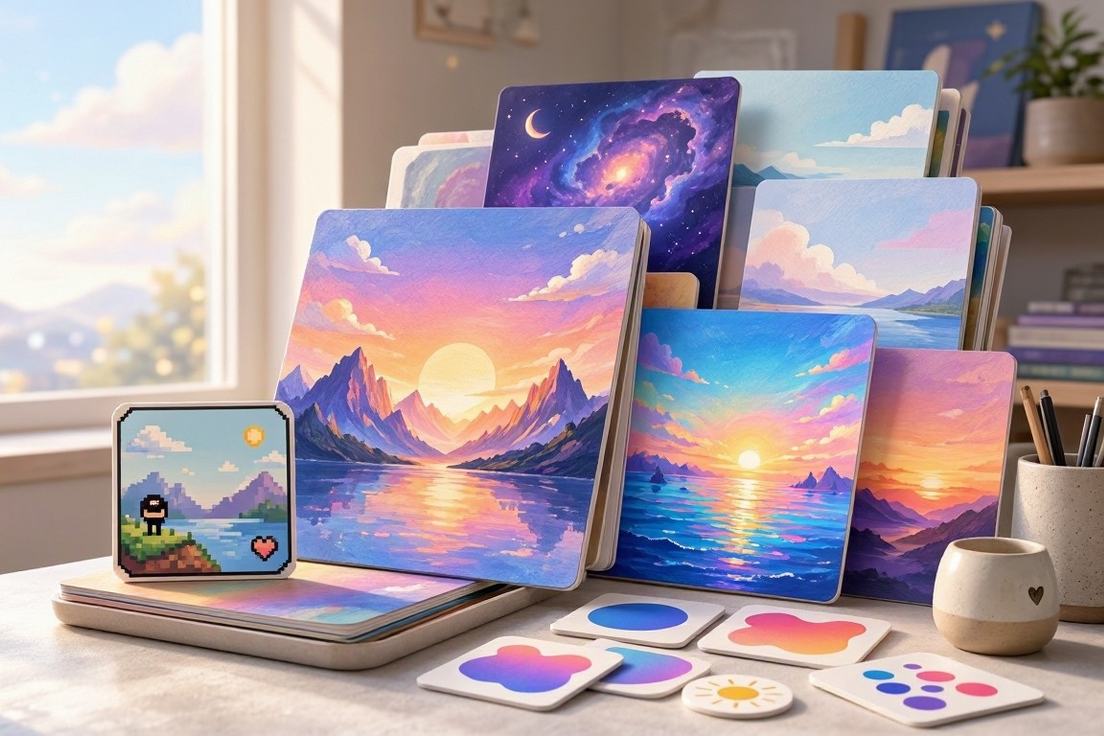
Curated wallpapers 
Community image sharing


Find wallpapers faster
- Browse by style
- Find the right mood through tag browsing for style, theme, or palette.
- Search by keyword
- Use keyword search to reach ideas such as cat, cyberpunk, or minimal.
- Explore categories
- Keep discovering through categories and albums you can follow from start to finish.
- Refine your feed
- See less unwanted content by marking images as not interested.
- Keep favorites close
- Return to saved inspiration with one-tap favorites whenever you come back.
Start exploring image albums
Install FOU Image Community to discover wallpapers through tags, keywords, categories, and albums.
Install appSave and share with control
Organize your references
Save several images into albums you create. Keep visual references organized for later use.
Share your own work
Upload multi-image posts and add tags, categories, and albums so people can find your work.
Turn discovery into daily use
Install the image community app, then shape your feed around the images and creators you follow.
Install FOU
Install FOU Image Community and open its image discovery experience.
Browse images
Browse tags, keywords, categories, and albums to find wallpapers.
Save favorites
Save favorite images and organize them into personal albums.
Set your wallpaper
Download images to your gallery or set them as wallpaper directly.
Share creations
Upload posts, add tags, and connect through comments, follows, and messages.
What should you know about membership?
What does membership include?
Membership includes downloading original-resolution images and using bulk downloads. It supports deeper saving for wallpaper explorers and image creators.
Does membership remove ads?
No. Membership does not remove ads, and this app contains ads.
How do subscriptions renew or stop?
Subscriptions renew automatically. Cancel anytime in Google Play under Subscriptions and keep access until the end of the current period.
Meet FOU Image Community
Install the image community app to discover wallpapers, organize albums, share creations, and create a pixel avatar.